Your pregnancy companion connected to your doctor
Bump n Beyond keeps you connected to your doctor between appointments. Ask questions, share medical records, and track symptoms and vitals so your doctor can guide you with better context.
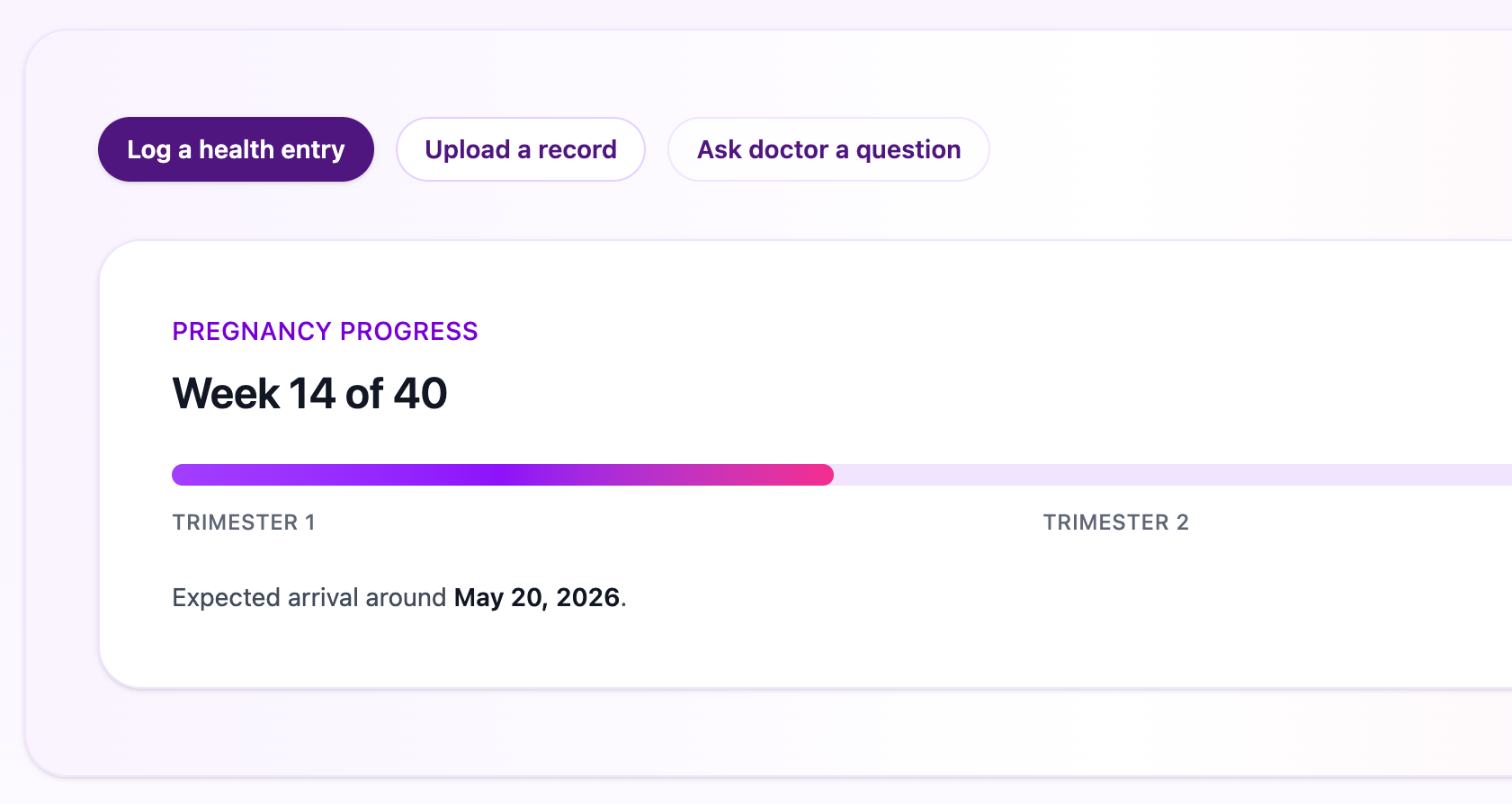
Everything needed between visits
From everyday questions to urgent symptom updates, stay connected with your doctor in one secure place.
For patients
Ask questions, upload medical records, and keep pregnancy updates organized.
For clinicians
Review patient updates quickly with context from logs and shared medical records.
Secure inquiries
Ask about symptoms, medications, test results, or appointment changes. Your doctor can reply in the same secure thread with full context.
- Keep your questions and replies in one secure thread.
- Reference past advice anytime with your medical records nearby.
All medical records in one place
Upload ultrasound files, lab reports, and prescriptions so you and your doctor reference the same information anytime.
- Automatically share files directly with your doctor.
- Your doctor can locate the right document fast without back-and-forth.
Health logs
Track symptoms and vitals in one place so you can share accurate updates with your doctor when you ask for advice.
- Log symptoms and vitals in seconds with simple entries.
- Severe symptom flags send proactive alerts to your doctor.
Start in three simple steps
Your doctor shares a prescription QR stamp. Scan it to open your private signup page, create your account, and get connected instantly.
Use your phone camera to scan the QR stamp on your prescription. It opens your doctor's private signup page.
Add your details and set your password. Your account is automatically linked to the correct doctor and clinic.
Send secure inquiries, upload medical records, and log symptoms so your doctor can advise with context.
Bump n Beyond does not handle emergencies. For urgent care, contact your local emergency services.
Frequently asked questions
I scanned a QR from my prescription. What happens next? +
You will open a secure signup page linked to your doctor. After creating your account, you can message your doctor and share medical records.
Can I sign up without my doctor's QR or invitation? +
No. Access requires a doctor-provided QR signup link or invitation.
Who can see my information? +
Your information is only visible to your doctor and authorized staff at your doctor's organization.
Is this for emergencies? +
No. Use your local emergency number for urgent situations.
Have your doctor's QR or invitation?
Sign in to continue your questions, medical records, and Health logs.
New patient? Scan the QR stamp on your prescription to create your account.